GoHighLevel CRM Integration
GoHighLevel CRM Integration Expert: How CRM Integration Improves Sales
Leads only become revenue when they are captured, followed up with, tracked, and moved through a clear sales process.
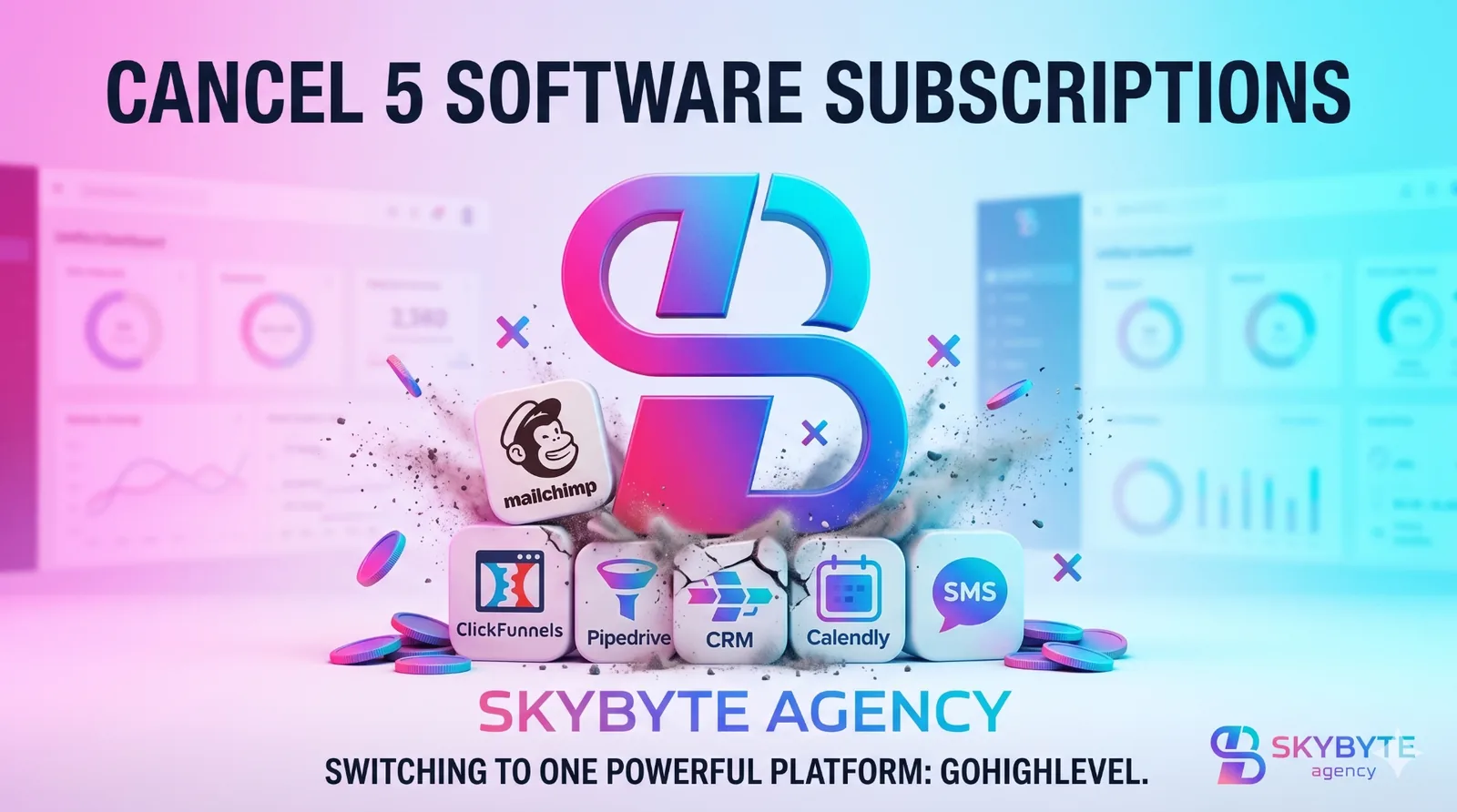
One CRM
Contacts, conversations, tasks, bookings, and deals stay organized.
Fast follow-up
Email, SMS, reminders, and no-response steps happen automatically.
Pipeline tracking
Every lead has a clear stage, owner, and next action.
Sales visibility
See what is working from first click to closed deal.
Introduction
Getting leads is great. But if those leads are not followed up properly, they do not turn into sales.
Someone fills out a form, but the team replies too late. A lead books a call, but no reminder goes out. A prospect sends a message, but the conversation gets lost. Slowly, good leads slip away.
What Is GoHighLevel CRM Integration?
GoHighLevel CRM integration means connecting GoHighLevel with the tools your business already uses instead of keeping lead data scattered across different platforms.
- Website forms and landing pages
- Sales funnels and Facebook Lead Ads
- Google Calendar and booking calendars
- Stripe, email, SMS, and payment tools
- Webhooks, API connections, other CRMs, and custom apps
For example, when someone fills out a website form, GoHighLevel can create the contact, notify your sales team, add the lead to a pipeline, send a follow-up email, and start an automation without manual copying.
Why CRM Integration Matters for Sales
A CRM is only useful when it is organized and updated. If your team manually copies lead information between platforms, mistakes will happen.
The problem
- • Leads are missed
- • Contacts are duplicated
- • Follow-up is inconsistent
- • Campaign results are unclear
The integrated system
- • Every lead is captured
- • Contact details stay in one place
- • Follow-up happens faster
- • Your team can measure what works
The main benefit is not just saving time. The bigger benefit is consistency—and in sales, consistency matters.
What Does a GoHighLevel CRM Integration Expert Do?
A GoHighLevel expert does not connect apps randomly. They study your sales process and build a CRM setup that matches how your business actually sells.
- CRM setup and pipeline creation
- Contact field mapping and data cleanup
- Form, funnel, calendar, email, and SMS integration
- Lead source tracking and sales reporting
- Workflow setup with triggers and actions
- API or webhook integration, testing, and troubleshooting
Example workflow
How GoHighLevel CRM Integration Improves Sales
Capture more leads
Connect forms, ads, funnels, calls, chat, and booking pages so new opportunities do not get missed.
Follow up faster
Trigger instant email, SMS, missed-call text-back, reminders, and team notifications.
Centralize customer data
Keep contact details, lead source, conversations, tasks, appointment history, and deal status in one place.
Clean up the pipeline
Move leads through stages like New Lead, Contacted, Appointment Booked, Proposal Sent, Won, and Lost.
Reduce manual work
Create contacts, appointments, tasks, onboarding steps, and follow-up sequences automatically.
Improve lead nurturing
Stay helpful and consistent with email and SMS sequences for prospects who are not ready yet.
Connect marketing to sales
Track which campaigns, funnels, and lead sources create calls, customers, and revenue.
Spot conversion leaks
Find where leads drop off so your pages, booking flow, reminders, and follow-up can improve.
Example Sales Pipeline Stages
A clean sales pipeline shows where every lead stands and what should happen next.
Signs You Need a GoHighLevel CRM Integration Expert
- Your leads come from many different places
- Your team uses spreadsheets to track sales
- Leads are not followed up quickly
- Your CRM feels messy or automations keep breaking
- You do not know which campaigns create sales
- Your calendar, website forms, and pipeline are not connected
- Your sales team forgets to update deal stages
- You need API, webhook, or custom integration support
Simple Example: Before and After CRM Integration
Before CRM Integration
- Lead fills out a form
- You get an email notification
- Someone copies details into a spreadsheet
- Booking link is sent later
- Follow-up is inconsistent
- Lead source performance is unclear
After GoHighLevel CRM Integration
- Contact is created automatically
- Lead is added to the pipeline
- Team gets notified
- SMS and email go out instantly
- Appointment reminders and reschedule messages run
- You can track first click to sale
DIY CRM Setup vs Hiring a GoHighLevel Expert
You can set up simple GoHighLevel workflows yourself. But if your sales process includes multiple lead sources, funnels, calendars, automations, payments, and reporting, expert help can save a lot of time.
DIY setup
- • Best for very simple businesses
- • Lower cost
- • More control
- • Easy to make mistakes
GoHighLevel CRM integration expert
- • Best for growing businesses
- • Cleaner automation
- • Better pipeline structure
- • Requires investment
Why Choose SkyByte Agency?
SkyByte Agency helps businesses build connected systems inside GoHighLevel—CRM setup, sales funnel development, lead-generation funnels, email and SMS automation, calendar setup, pipeline management, and follow-up systems.
Conclusion
GoHighLevel CRM integration helps you capture leads, organize customer data, automate follow-ups, track deals, connect marketing with sales, and improve conversions.
If your leads are scattered, your follow-up is inconsistent, or your CRM feels messy, it may be time to get expert help.
Book My Strategy CallFAQ
What is a GoHighLevel CRM integration expert?
A GoHighLevel CRM integration expert connects GoHighLevel with your forms, funnels, calendars, automations, lead sources, payment tools, and sales pipeline.
How does CRM integration improve sales?
CRM integration improves sales by capturing leads faster, automating follow-up, organizing pipeline stages, reducing manual work, and tracking where sales come from.
Can GoHighLevel connect with other tools?
Yes. HighLevel supports integrations, API connections, and webhooks for connecting with external tools and business systems.
Can GoHighLevel automate follow-ups?
Yes. GoHighLevel workflows use triggers and actions to automate emails, SMS messages, CRM updates, reminders, and follow-up sequences.
Who needs GoHighLevel CRM integration?
Agencies, coaches, consultants, local service businesses, real estate businesses, B2B companies, and sales teams can benefit from GoHighLevel CRM integration.
Should I hire a GoHighLevel expert or do it myself?
If your setup is simple, you can try it yourself. If you need funnels, automations, calendars, pipelines, reporting, and integrations working together, hiring a GoHighLevel expert is usually better.
Have a funnel question?
Ask us what is blocking leads, bookings, or sales—we will point you toward the next best funnel audit step.