GoHighLevel
How to Build a Webinar Funnel in GoHighLevel That Actually Converts
Stop losing leads to clunky tech. Learn the exact architecture needed to build a webinar funnel in GoHighLevel that maximizes show-up rates and sales conversions.
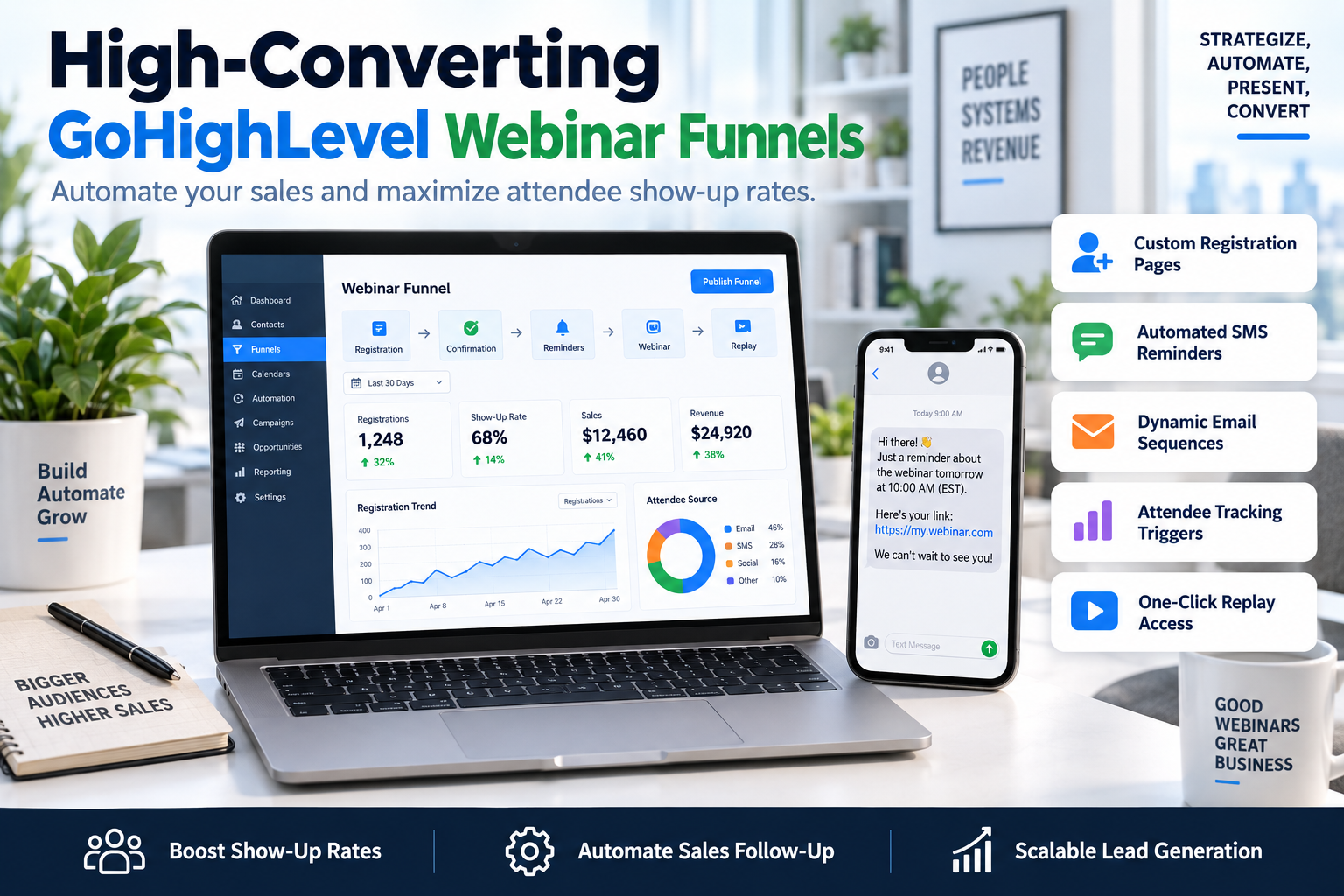
Most webinar funnels fail not because the content is bad, but because the technical bridge between the registration and the sale is broken. If you are struggling with low show-up rates or a disjointed user experience, it is time to build a webinar funnel in GoHighLevel that unifies your entire sales process. By leveraging GHL’s native automation and landing page builders, you can eliminate third-party tools like WebinarJam or EverWebinar, saving hundreds in monthly software costs while increasing your conversion rates through tighter data integration.
The Anatomy of a High-Converting Webinar Funnel
A webinar is more than just a video stream; it is a psychological journey. To build a webinar funnel in GoHighLevel that works, you must map out the four distinct phases of the user experience:
- The Capture Phase: A high-speed, mobile-optimized registration page.
- The Indoctrination Phase: A thank-you page featuring a 'pre-webinar' video to build authority.
- The Attendance Phase: Automated SMS and email triggers to ensure people actually show up.
- The Conversion Phase: Post-webinar logic that segments 'buyers' from 'no-shows' and 'left-earlys'.
Step 1: Building the Registration and Thank You Pages
Your registration page has one job: get the email and phone number. When you build a webinar funnel in GoHighLevel, use the native Funnel Builder to keep load times under two seconds. Avoid complex navigation menus. Use a clear, benefit-driven headline and a simple form.
Critical Elements for the Registration Page:
- The Big Promise: What specific problem will they solve in 45 minutes?
- Social Proof: Logos or a single impactful testimonial below the fold.
- The Countdown: Use GHL's countdown timer element to create genuine urgency.
- Two-Step Opt-in: Often converts better than an on-page form by reducing initial friction.
Once they register, redirect them to a Thank You Page. Do not just say "Check your email." Use this page to invite them to join a private Facebook group or a Telegram channel. This increases your touchpoints and multi-channel reach.
Step 2: Setting Up the GHL Automation Workflow
The secret to high show-up rates lies in the 'Automation' tab. When you build a webinar funnel in GoHighLevel, you need a workflow that handles the heavy lifting.
The 'Ultimate Attendance' Sequence:
- Immediate Confirmation: Email + SMS with the unique join link and a calendar invite file (.ics).
- 24 Hours Before: A reminder email highlighting the #1 secret you will reveal.
- 1 Hour Before: An SMS reminder: "We start in 60 minutes. Grab your notebook."
- 15 Minutes Before: A final 'Join Now' link sent via both SMS and Email.
- 2 Minutes After Start: "We just went live! Here is the link to join us."
| Reminder Type | Timing | Primary Goal |
|---|---|---|
| Confirmation | Instant | Secure the calendar slot |
| Value Tease | 24 Hours | Build anticipation & curiosity |
| Urgency | 1 Hour | Ensure they are at their computer |
| Direct Link | 15 Minutes | Remove all friction to entry |
Step 3: Segmenting Post-Webinar Leads
Not all leads are created equal. To maximize ROI, your GoHighLevel CRM needs to know exactly what the lead did during the presentation. By using the GHL 'Video Tracking' element or integrating with tools like Zoom via Zapier, you can trigger specific actions based on behavior:
- Condition: Attended & Stayed to End: Trigger a 'Hot Lead' notification to your sales team and send the 'Buy Now' email sequence.
- Condition: Attended but Left Early: Send a 'Life got in the way?' email with a link to the specific part of the replay they missed.
- Condition: No-Show: Send a 48-hour limited-time replay link to move them back into the sales cycle.
Step 4: Technical Setup Checklist
Before you drive traffic, ensure your technical foundation is solid. When you build a webinar funnel in GoHighLevel, follow this 5-step checklist:
- Domain Verification: Ensure your funnel is hosted on a branded subdomain (e.g., events.yourbrand.com).
- Email Deliverability: Verify your DKIM and SPF records in GHL to avoid the spam folder.
- Pixel Tracking: Install your Meta and Google pixels on the registration and 'Thank You' pages for retargeting.
- Mobile Optimization: Test the registration form on both iPhone and Android devices.
- Form Mapping: Ensure the 'Phone' field is set to 'Required' to enable SMS automations.
Frequently Asked Questions
Can I host the actual webinar video inside GoHighLevel?
Yes. You can use a 'Membership' area for a gated replay or embed a YouTube Live/Vimeo Pro stream directly onto a GHL funnel page for a live-streamed feel. For evergreen webinars, use the GHL video element with controls disabled to mimic a live environment.
How do I track conversions accurately?
Use GHL 'Opportunity' stages. Create a pipeline called 'Webinar Funnel' and move leads through stages: Registered, Attended, Stayed for Pitch, and Closed/Won. This allows you to see exactly where your funnel is leaking cash.
What is a good show-up rate for a GHL webinar funnel?
Cold traffic typically sees a 25-35% show-up rate. However, by using GHL’s SMS automation features, many SkyByte clients see show-up rates exceeding 45-50% because text messages have a much higher open rate than email.
Scale Your Sales with SkyByte
Building a technical architecture that converts is difficult. If you want to stop fighting with tech and start closing more deals, let the experts at SkyByte handle the heavy lifting. We specialize in helping coaches and B2B brands build a webinar funnel in GoHighLevel that turns cold traffic into high-ticket clients. Whether you need a free funnel audit to find your leaks or you are ready to fix your problem with a custom-built automation system, our team is ready to deliver. Book a discovery call with SkyByte today and let us build your high-conversion sales engine.