GoHighLevel
Fix GoHighLevel Indexing Issues & Duplicate Funnel Step URLs
Is your GoHighLevel funnel invisible on Google? Learn how to eliminate duplicate URLs, manage canonicals, and fix indexing issues to boost your search rankings.
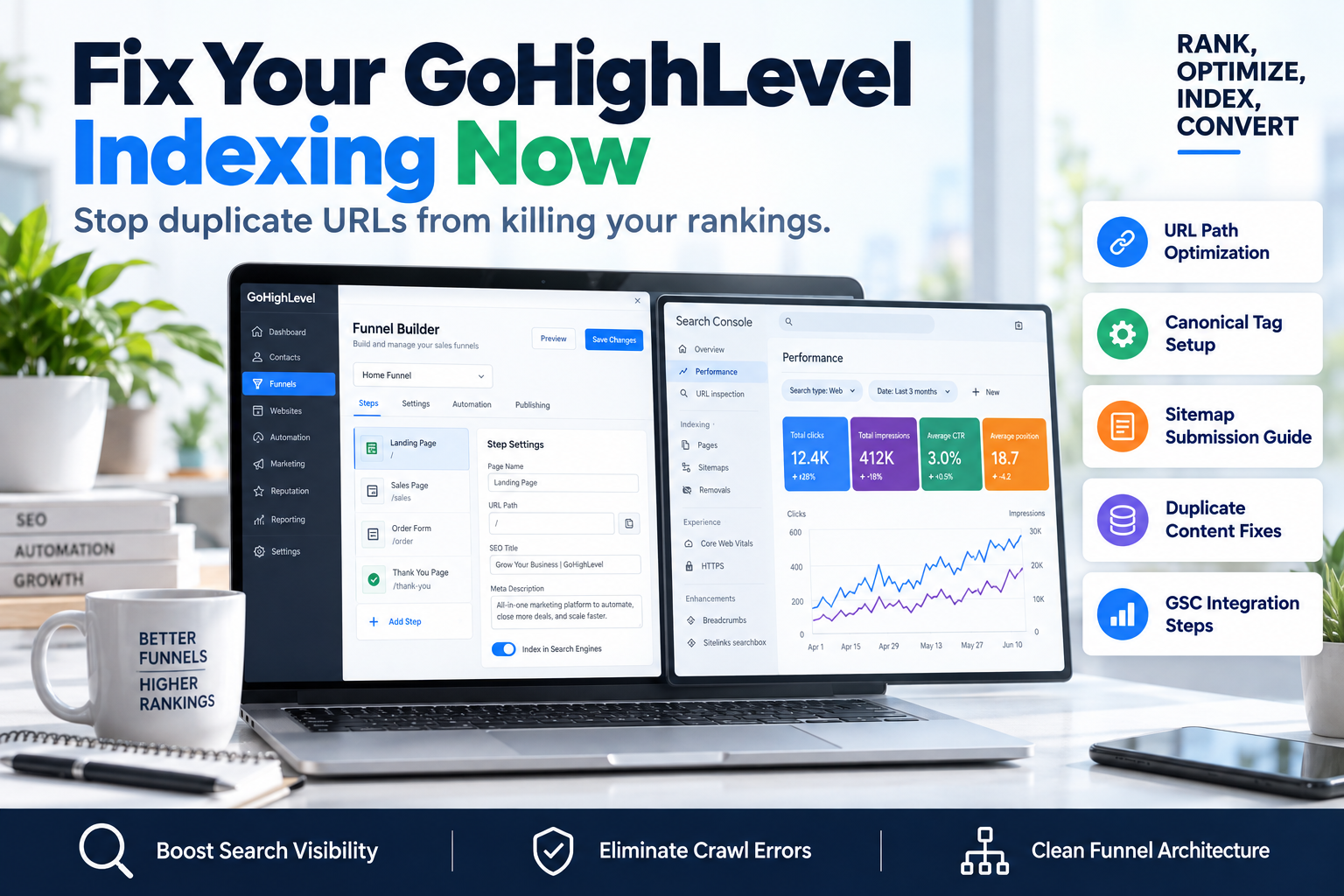
Nothing kills a high-converting sales funnel faster than being invisible. If you’ve noticed your pages aren't showing up in search results or that Google is flagging your site for "Duplicate content without user-selected canonical," you are likely struggling with GoHighLevel indexing issues. When you build in GHL, the platform’s unique structure of funnel steps and subdomains can create a nightmare of duplicate URLs that confuse search engine crawlers. If Google doesn't know which version of your page is the "master" copy, it often chooses to index none of them.
At SkyByte, we specialize in technical SEO for GHL users. In this guide, we will break down exactly why these errors happen and the step-by-step framework to clean up your funnel architecture for maximum search visibility.
Why GoHighLevel Indexing Issues Happen
GoHighLevel is a powerhouse for automation, but its funnel builder behaves differently than a traditional WordPress site. By default, every funnel step has a path (e.g., /home-page) and a step URL (e.g., /optin-12345). If you don't explicitly tell Google which one to prioritize, you end up with two versions of the same page.
Common triggers for these indexing problems include:
- Multiple Domains: Connecting both
wwwand root domains without proper redirects. - Step vs. Path Conflicts: Having a funnel path that mirrors a page path, creating internal competition.
- Missing Robots.txt: Failing to provide instructions to Google on which folders to ignore.
- Unset Canonicals: Leaving the 'Canonical URL' field blank in the funnel settings.
The SkyByte Framework: Solving GHL Duplicate Funnel Step URLs
To ensure your funnel ranks, you must follow a strict hierarchy of technical cleanup. Use this 4-step framework to resolve duplicate URLs immediately.
1. Normalize Your Domain Structure
Before touching the funnel steps, ensure your domain settings are clean. In the GHL Settings > Domains tab, ensure you have set a "Primary Domain." If you have both the root domain (example.com) and the subdomain (www.example.com) connected, Google may see them as two different websites. Use a 301 redirect at the registrar level or within GHL to point all traffic to one version.
2. Clean Up Funnel Step Paths
Every funnel in GoHighLevel has two distinct URL components: the Funnel Path and the Step Path.
- The Funnel Path: Found in the 'Settings' tab of the funnel. This is the base URL.
- The Step Path: Found in the 'Publishing' tab of the individual step.
If your Funnel Path is /offer and your Step Path is also /offer, GHL may append random strings like /offer-1 to avoid a conflict. This results in duplicate funnel step URLs. Ensure your Step Paths are unique and descriptive, and never identical to the Funnel Path.
3. Implement Manual Canonical Tags
A canonical tag tells Google, "Hey, I know there are other versions of this page, but this is the one you should index." To fix GoHighLevel indexing issues related to duplicates, you must manually set these.
- Go to the Funnel Step.
- Click on Settings (the gear icon on the step, not the global settings).
- Locate the Canonical Link field.
- Enter the full, absolute URL you want to rank (e.g.,
https://www.yourdomain.com/landing-page).
4. Update the Robots.txt and Sitemap
GHL generates a sitemap automatically, but it often includes every single step in your funnel—including thank you pages and upsells that you don't want on Google.
| Page Type | Indexing Action | Reason |
|---|---|---|
| Main Landing Page | Index | Primary entry point for SEO traffic. |
| Checkout Page | No-Index | Prevents users from bypassing the funnel. |
| Upsell 1 / 2 | No-Index | Requires session data to function correctly. |
| Thank You Page | No-Index | Skews conversion tracking if found via search. |
How to Audit Your GoHighLevel SEO Performance
Once you have applied the technical fixes, you need to verify them using Google Search Console (GSC).
- Inspect the URL: Paste your funnel URL into the GSC search bar. If it says "URL is not on Google," click "Request Indexing."
- Check the Coverage Report: Look for "Excluded" pages. If you see "Duplicate, Google chose different canonical than user," you need to revisit your canonical tags mentioned above.
- Submit a Manual Sitemap: Find your GHL sitemap URL (usually
yourdomain.com/sitemap.xml) and submit it directly to GSC to force a re-crawl of your new structure.
Pro-Tip: Avoid the "Preview Link" Trap
Never share the preview link (the one that starts with app.gohighlevel.com/v2/preview...) on social media or in emails. If these links get scraped by bots, Google may attempt to index the preview version of your funnel rather than your custom domain version, leading to massive indexing conflicts.
FAQ: GoHighLevel Technical SEO
Q: How long does it take for Google to fix GoHighLevel indexing issues after I update settings? A: Typically, it takes between 3 to 10 days for Google to re-crawl your site and update the index. You can speed this up by using the "Request Indexing" tool in Google Search Console.
Q: Will duplicate URLs in my funnel hurt my ad account? A: While they don't directly affect Facebook or Google Ads performance, they can lead to lower Quality Scores if the ad bot gets confused by redirect loops or canonical mismatches.
Q: Do I need a separate sitemap for every funnel? A: No. GoHighLevel creates a master sitemap for the domain. However, if you have funnels on different subdomains, each subdomain will have its own sitemap.
Scale Your Conversion Engine with SkyByte
Technical SEO is only one piece of the puzzle. If your funnel is indexed but isn't converting, you have a different problem. At SkyByte, we build high-performance GoHighLevel ecosystems that combine clean technical SEO with aggressive conversion rate optimization.
Don't let technical debt hold your business back. Book a discovery call with SkyByte today to clean up your funnel architecture, or let us perform a free funnel audit to identify the bottlenecks in your sales process. Whether you need to fix your problem with duplicate content or build a new high-ticket sales funnel from scratch, our team is ready to help you dominate the search results.