GoHighLevel
Optimizing GoHighLevel Core Web Vitals: Fix Slow GHL Page Speed
Is your GHL funnel losing sales due to slow load times? Learn the exact framework for optimizing GoHighLevel Core Web Vitals to improve speed, SEO, and conversions.
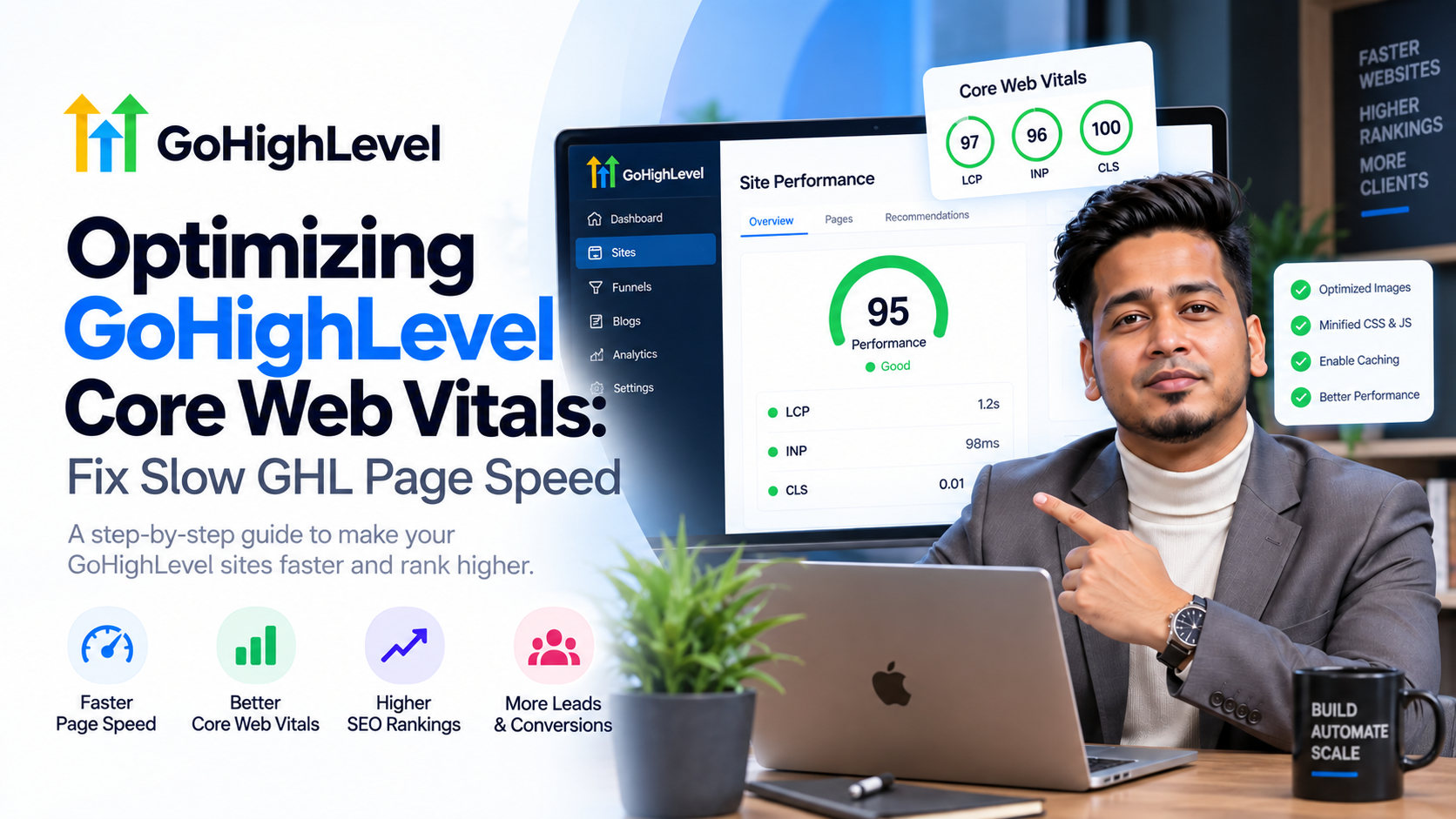
A one-second delay in mobile load times can impact conversion rates by up to 20%. If your sales funnel is sluggish, you aren't just losing SEO rankings; you are bleeding revenue. For agencies and coaches using GHL, optimizing GoHighLevel Core Web Vitals is no longer a luxury—it is a technical requirement for staying competitive in 2024. Google’s algorithm prioritizes user experience metrics like Largest Contentful Paint (LCP) and First Input Delay (FID), meaning a slow GHL page speed will actively suppress your lead flow.
At SkyByte, we specialize in high-performance funnels. We know that GHL provides an incredible feature set, but without specific technical adjustments, the default builder can lead to bloated code and slow mobile performance. This guide breaks down exactly how to fix slow GHL page speed and pass the Core Web Vitals audit.
The Core Web Vitals Metric Breakdown
Before you start deleting elements, you must understand what Google is measuring. Core Web Vitals consist of three specific pillars that determine your page experience score:
- Largest Contentful Paint (LCP): Measures loading performance. To provide a good user experience, LCP should occur within 2.5 seconds of when the page first starts loading.
- Interaction to Next Paint (INP): Measures responsiveness. This replaced First Input Delay (FID) and looks at how quickly a page responds to user inputs like clicks.
- Cumulative Layout Shift (CLS): Measures visual stability. You want a CLS score of less than 0.1 to ensure elements don't jump around as images load.
Why Optimizing GoHighLevel Core Web Vitals Matters for ROI
When you fix slow GHL page speed, you are directly impacting your cost-per-acquisition (CPA). High-speed pages lower bounce rates, which increases the quality score of your Google and Meta Ads. Higher quality scores lead to lower click costs and better ad placements. If your LCP is over 4 seconds, you are essentially paying a "slow-speed tax" on every lead you generate.
The SkyByte Framework to Fix Slow GHL Page Speed
We follow a 5-step framework to ensure every funnel we build for clients hits the green zone on PageSpeed Insights.
1. Advanced Image Optimization
Images are the primary culprit for a failing LCP score. GHL does not automatically convert your PNGs into next-gen formats like WebP.
- Use WebP or Avif: Before uploading, convert all images. WebP files are often 30% smaller than JPEGs.
- Proper Sizing: Do not upload a 4000px wide image for a 400px wide section. Match the dimensions to the display size.
- Compression: Use tools like TinyPNG or ShortPixel to strip metadata and compress files without losing visual quality.
2. Script Management and Lazy Loading
Every external script (Facebook Pixel, Hotjar, Chat Widgets) adds weight. To optimize your speed, you must manage how these scripts load.
- Delay Non-Critical Scripts: Move tracking scripts to the footer where possible, or use a custom script manager to delay their execution until after the initial paint.
- Avoid Third-Party Bloat: Only use the necessary tracking. If you aren't using the data from a specific pixel, remove it.
3. Reducing DOM Depth
GoHighLevel uses a row-column-element hierarchy. While flexible, over-nesting elements creates a deep DOM (Document Object Model) tree, which slows down the browser's ability to render the page.
- Flatten Layouts: Use fewer nested rows. If you can achieve a design using one row with three columns instead of three nested rows, do it.
- Limit Custom CSS: While custom CSS is great for branding, excessive blocks of unoptimized code can cause render-blocking delays.
Comparison: Optimized vs. Unoptimized GHL Funnel
| Metric | Unoptimized GHL Page | SkyByte Optimized Page | Target Goal |
|---|---|---|---|
| LCP (Loading) | 4.8s | 1.8s | < 2.5s |
| CLS (Stability) | 0.25 | 0.02 | < 0.1 |
| INP (Interaction) | 350ms | 80ms | < 200ms |
| Page Size | 5.2 MB | 1.1 MB | < 2.0 MB |
Technical Steps for Optimizing GoHighLevel Core Web Vitals
Handling Custom Fonts
Fonts can cause significant layout shifts. If you use custom Google Fonts, the browser often waits for the font file to download before showing text, or it shows a default font and then "swaps" it, causing a shift.
- Strategy: Stick to 1-2 font families. Use font-display: swap in your CSS to ensure text is visible immediately while the custom font loads in the background.
Optimizing Above-the-Fold Content
Your "Hero Section" is the most important part of the page for Core Web Vitals. To fix slow GHL page speed here, you must prioritize the loading of the main hero image.
- Eliminate Background Videos on Mobile: Videos are heavy. Replace hero videos with static, compressed images for mobile users.
- Preload Critical Assets: Use
<link rel="preload">tags in the head section for your main hero image or branding assets.
Mobile-First Optimization
Google uses mobile-first indexing. Most GHL users build on desktop and "hope" it works on mobile. This is a mistake. Always toggle the mobile view in the GHL builder and remove heavy elements that don't translate to a small screen. By hiding unnecessary desktop-only elements on mobile, you significantly reduce the amount of data the mobile browser needs to process.
Frequently Asked Questions (FAQ)
Q: Does GoHighLevel's hosting affect my page speed?
Yes, GHL uses Google Cloud and Cloudflare for hosting, which is generally fast. However, the speed issues usually stem from the content (images, scripts, and layout) rather than the server response time. Optimizing GoHighLevel Core Web Vitals focuses on your front-end assets.
Q: Will fixing my page speed improve my SEO rankings?
Absolutely. Since 2021, Core Web Vitals have been a confirmed ranking factor for Google. Improved speed leads to better crawling efficiency and higher user engagement signals, both of which boost your SERP positions.
Q: How often should I test my GHL funnel speed?
We recommend testing after every major design change or when adding new tracking scripts. Use PageSpeed Insights and GTmetrix for the most accurate data.
Scale Your Conversion with SkyByte
Optimizing GoHighLevel Core Web Vitals is a technical necessity, but it is only one piece of the puzzle. A fast page that doesn't convert is just a fast way to lose money. At SkyByte, we combine technical performance with high-conversion sales funnels and sophisticated GoHighLevel automations. We don't just fix slow GHL page speed; we build entire ecosystems designed to turn traffic into booked discovery calls. If you're ready to stop fighting with your tech stack and start scaling your B2B brand, book a call with our experts today.