Automation
9 GoHighLevel Workflow Mistakes That Are Costing You Leads Right Now
Your CRM might be leaking revenue. Learn the 9 GoHighLevel workflow mistakes that sabotage conversions and how to fix your automation for maximum ROI.
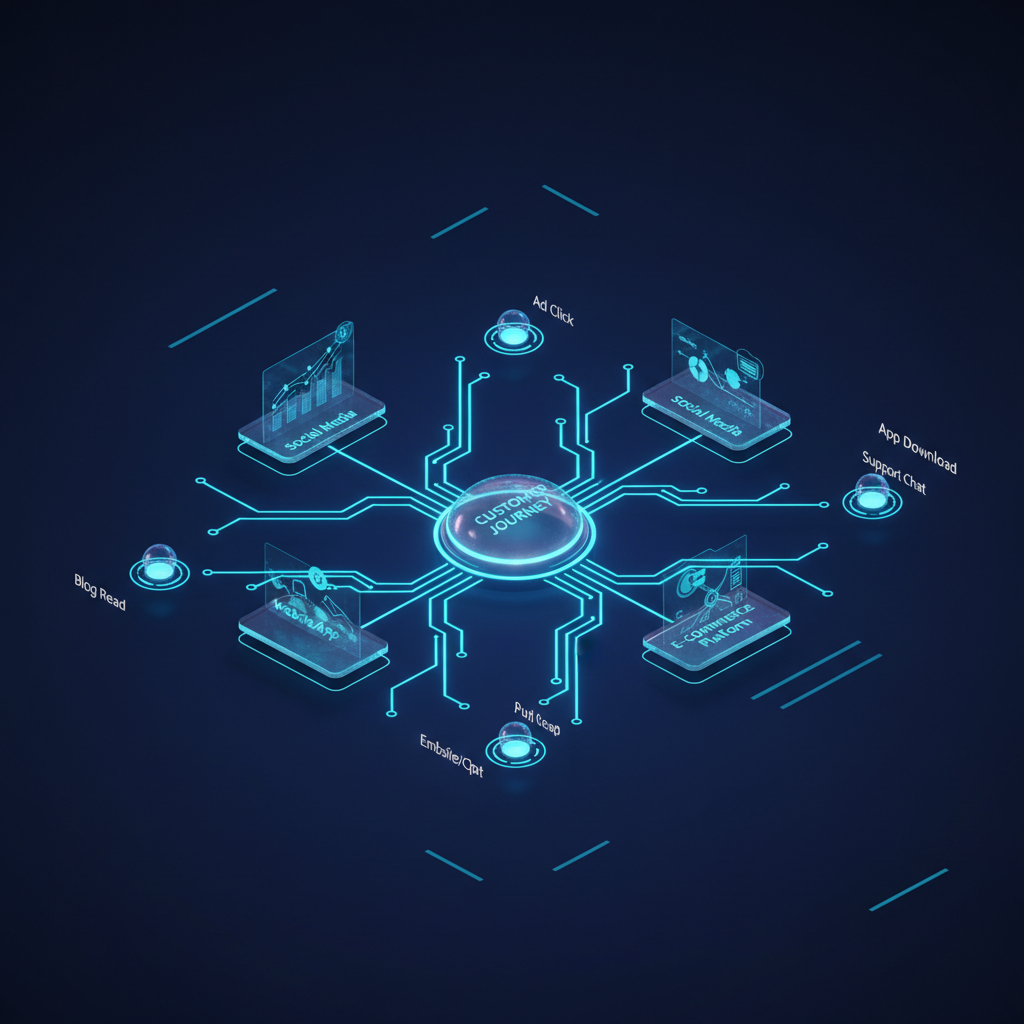
Most agency owners and B2B consultants treat their CRM like a digital filing cabinet rather than a high-performance sales engine. If you aren't seeing a consistent 20-30% increase in lead conversion after migrating to GHL, you are likely falling victim to common GoHighLevel workflow mistakes that quietly drain your marketing budget. When automation is built incorrectly, it doesn't just fail to save time—it actively pushes prospects away by delivering fragmented, impersonal, or poorly timed experiences.
At SkyByte, we have audited hundreds of GHL accounts. The difference between a funnel that scales and one that stagnates usually comes down to these nine structural errors. Here is how to identify and fix these GoHighLevel workflow mistakes to reclaim your lost revenue.
1. Lack of 'Stop on Response' Settings
One of the most frequent errors in GHL automation is failing to enable the "Stop on Response" toggle in your workflow settings. If a lead replies to an initial SMS asking for a price, but your workflow continues to send automated "Are you still interested?" messages every 24 hours, you look like a mindless robot. This destroys trust instantly.
The Fix: Always evaluate the goal of the workflow. If the goal is a conversation, enable "Stop on Response." Use a separate workflow triggered by "Customer Replied" to notify your sales team to jump in manually.
2. Missing 'Wait' Steps in Multi-Channel Sequences
Nothing screams "automated spam" louder than receiving an email, an SMS, and a voicemail drop all within the same second. We see this often when users build long sequences without proper delays. This aggressive approach leads to high unsubscribe rates and potential carrier flagging for your phone numbers.
The Fix: Implement logical delays. A 2-minute wait after a form submission before the first SMS makes the interaction feel more human. Space out subsequent touches by at least 24 to 48 hours depending on your offer's urgency.
3. Overlooking the 'Internal Notification' Node
Automation is meant to facilitate human connection, not replace it. A major GoHighLevel workflow mistake is focusing entirely on the external lead communication while forgetting to alert the sales team. If a lead hits a "hot" trigger and no one on your team knows, the lead goes cold.
The SkyByte Notification Framework:
- Email Notification: For record-keeping and non-urgent updates.
- App Notification: For mobile sales reps to click-to-call immediately.
- SMS Notification: Reserved for high-intent actions (e.g., "Payment Failed" or "New Appointment booked").
4. Failing to Use 'Opportunity Stage' Updates
If your workflows don't automatically move leads through your pipeline stages, your CRM reporting is useless. You cannot optimize what you cannot measure. Many users send the emails but fail to update the Opportunity status from "New Lead" to "Follow Up" or "Meeting Booked."
| Action Trigger | Recommended Pipeline Stage Update |
|---|---|
| Form Submitted | New Lead / Inquiry |
| Link Clicked in Email | Warm Prospect |
| Appointment Confirmed | Appointment Scheduled |
| Contract Signed | Closed Won |
| Payment Failed | Abandoned Checkout |
5. Circular Logic and Infinite Loops
This usually happens when you have two workflows that trigger each other. For example, Workflow A adds a tag that triggers Workflow B, which then updates a field that triggers Workflow A again. This will max out your GHL execution limits and potentially send hundreds of duplicate emails to a single lead in minutes.
The Fix: Map your workflows on paper or a tool like Lucidchart before building. Ensure that a single action has a clear entry and exit point without recursive triggers.
6. Not Using 'If/Else' Branching for Personalization
Sending a generic "Thanks for reaching out" to someone who just spent $2,000 is a massive missed opportunity for retention. Many users build linear workflows that treat every lead the same regardless of their behavior or data.
Common If/Else Use Cases to Fix GoHighLevel Workflow Mistakes:
- Contact Tag: If tag is 'Customer', send onboarding sequence; else, send sales sequence.
- Office Hours: If current time is within M-F 9-5, send an immediate SMS; else, wait until Monday morning.
- Form Field: If 'Budget' > $5k, notify the Senior Closer; else, route to the standard sales queue.
7. Hard-Coding Data Instead of Using Custom Values
If you have 50 workflows and you decide to change your booking link or your company phone number, hard-coding that information into every single SMS and Email node will take hours to fix. It also increases the risk of human error.
The Fix: Use Custom Values (Settings > Custom Values). Instead of typing your link, use {{custom_values.booking_link}}. Update it once in settings, and it updates across every workflow globally.
8. Ignoring the 'Trigger Permissions' and Filters
Setting a trigger as "Form Submitted" without specifying which form is a recipe for disaster. This causes every single form on your site—from the newsletter signup to the high-ticket application—to trigger the same sequence.
The Fix: Always use the "Add Filters" button on your triggers. Specify the Form ID, the Calendar ID, or the specific Tag that must be present for the workflow to execute. Specificity is the key to clean data.
9. Lack of a 'Catch-All' or Error Handling
What happens when a lead replies with something your bot doesn't understand? Or when an API call to a third-party tool fails? Most users don't build "Safety Nets."
The Fix: Create a "Fallback" workflow. Use the "Stale Lead" trigger—if a lead has been in a specific pipeline stage for more than 7 days without an update, trigger an internal notification to a manager to manual review the account.
Frequently Asked Questions
How many workflows are too many in GoHighLevel? It is not about the quantity, but the organization. It is better to have 20 specific, well-labeled workflows than 5 massive, complex ones that are impossible to troubleshoot. Use folders to categorize them by 'Lead Gen', 'Nurture', and 'Admin'.
Can GoHighLevel workflows replace my Zapier account? In many cases, yes. With the 'Premium Triggers' and 'Webhooks' nodes, GHL can handle most API integrations directly, saving you hundreds in Zapier subscription costs and reducing the number of failure points in your funnel.
How do I test my workflows without emailing real leads? Always use a 'Test Contact' with your own email and phone number. Use the 'Execution Logs' tab inside the workflow to see exactly which path the contact took and where they might have been stuck.
Optimize Your Sales Engine with SkyByte
Avoiding these GoHighLevel workflow mistakes is just the first step toward a truly automated business. Building a high-converting sales funnel requires a strategic marriage of tech, copy, and conversion rate optimization. At SkyByte, we specialize in building bespoke GHL ecosystems that don't just 'work'—they dominate. Whether you need a full CRM migration, custom API integrations, or high-performance landing pages, our team ensures your automation is an asset, not a liability.
Stop leaving money on the table. Book a discovery call with SkyByte today and let’s turn your GoHighLevel account into a lead-generating machine.