Automation
How to Pass A2P 10DLC Verification in GoHighLevel on the First Try
Tired of A2P registration rejections? Master the A2P 10DLC verification process in GoHighLevel with our foolproof checklist to ensure your SMS campaigns hit the inbox.
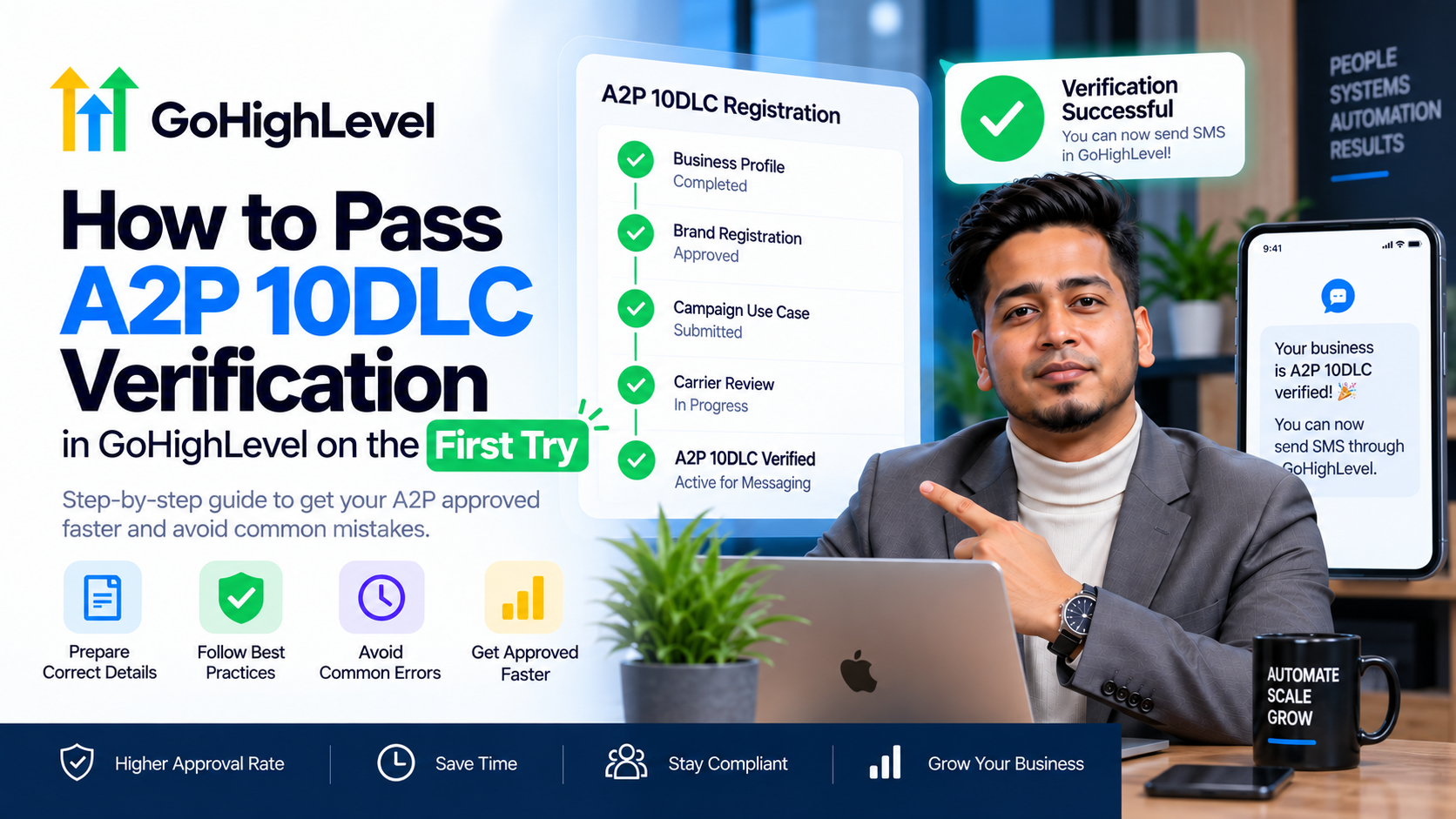
Nothing kills a high-converting sales funnel faster than a 'Message Undelivered' notification. If you are a coach, consultant, or agency owner using GHL, you’ve likely faced the dreaded registration rejection. Successfully completing A2P 10DLC verification in GoHighLevel is no longer optional—it is a mandatory requirement from major carriers to ensure your SMS marketing actually reaches your prospects. The days of 'gray route' texting are over, and if your brand isn't verified, your automation is effectively dead in the water.
At SkyByte, we’ve audited hundreds of GHL sub-accounts that were failing compliance. The secret isn't just filling out the forms; it’s providing the specific legal language and architectural proof carriers demand. This guide outlines the exact framework to get your A2P 10DLC verification approved on your first attempt.
Why A2P 10DLC Verification in GoHighLevel Fails
Most users fail because they treat the registration form like a casual survey. Carriers like AT&T, T-Mobile, and Verizon use automated scrapers and manual reviewers to verify that you are a legitimate business with clear opt-in consent.
Common failure points include:
- Tax ID Mismatch: Your EIN or Tax ID doesn't exactly match the legal business name registered with the IRS.
- Missing Website Privacy Policy: Your landing page doesn't explicitly mention SMS opt-in terms.
- Vague Campaign Descriptions: Telling the reviewer "I send tips to clients" is a one-way ticket to rejection.
- Non-Compliant Opt-in: No clear proof of how a user gave you their phone number.
The SkyByte 5-Step Compliance Checklist
To ensure your A2P 10DLC verification in GoHighLevel sails through, follow this sequence before you hit submit in the Trust Center.
1. Legal Entity Validation
Your Brand Registration must be flawless. If you are an LLC, use your legal name (e.g., "SkyByte Solutions LLC") exactly as it appears on your SS-4 confirmation letter. Do not use a DBA unless you have the paperwork to back it up.
2. The Website Audit
You must have a live website or landing page. A 'Coming Soon' page will result in an immediate rejection. Your footer must contain:
- Privacy Policy: Explicitly stating that mobile information will not be shared with third parties for marketing purposes.
- Terms of Service: Including SMS-specific clauses.
3. The Opt-In Method (The Most Critical Step)
In the Campaign Registration section, you must describe how users subscribe.
- Bad Example: "They sign up on my site."
- Good Example: "Users opt-in via a dedicated lead capture form on our website (URL provided) where they check an un-pre-ticked box to receive SMS updates. They are also informed that message and data rates may apply."
4. Sample Messages with Compliance
You must provide two sample messages. They must include your Brand Name, an Opt-out keyword, and a clear purpose.
- Sample: "Hi [Contact Name], this is John from SkyByte. Thanks for requesting our funnel audit. You can book here: [Link]. Reply STOP to opt out."
5. Call-to-Action (CTA) Descriptions
You must describe the exact journey a customer takes before receiving a text. Detail the trigger: "Customer clicks 'Get Free Guide', enters phone number, and checks the consent box."
Comparing A2P Registration Tiers
| Feature | Low Volume Standard | Standard |
|---|---|---|
| Best For | Small agencies / Coaches | Scaling B2B brands |
| Daily Limit | ~2,000 segments | 200,000+ segments |
| Vetting Fee | One-time (~$15-$20) | One-time (~$15-$20) |
| Monthly Fee | Low (~$1.50) | Higher (~$10+) |
| Approval Speed | 3-7 Days | 7-14 Days |
Mastering the Campaign Registry in GoHighLevel
When navigating the Trust Center for your A2P 10DLC verification in GoHighLevel, you will encounter the 'Campaign Registry' section. This is where most people get stuck. You need to select a 'Use Case.' For 90% of SkyByte clients, this is 'Marketing' or 'Customer Care.'
Avoid selecting 'Mixed' unless you have a very complex enterprise setup, as it requires more scrutiny and has a higher failure rate for smaller sub-accounts. Stick to a single, clear purpose to speed up approval.
Essential Opt-in Language for Your Forms
To pass the manual review, your GoHighLevel forms must have a checkbox with this language (or similar):
"I agree to receive recurring automated marketing messages and shopping cart reminders at the phone number provided. Consent is not a condition of purchase. Msg & data rates may apply. Msg frequency varies. Reply HELP for help and STOP to cancel."
Troubleshooting Common Rejections
If you receive a 'Rejected' status for your A2P 10DLC verification in GoHighLevel, don't panic. Check the 'Rejection Reason' in the Trust Center.
- Inconsistent Address: Ensure your business address in GHL Settings > Business Profile matches your tax records.
- Message-to-Use-Case Mismatch: If you selected 'Appointment Reminders' but your sample messages look like 'Cold Outreach,' you will be rejected. Carriers hate cold SMS; always frame your messages as responses to a user-initiated action.
- Website Lack of Security: Ensure your site has a valid SSL certificate (HTTPS). Non-secure sites are flagged as high-risk.
Frequently Asked Questions (FAQ)
Q: How long does A2P 10DLC verification take in GoHighLevel? A: Typically, Brand registration takes 1-3 business days, while Campaign registration takes 7-14 business days. We recommend allowing a full three weeks before launching any major SMS-heavy campaigns.
Q: Can I send texts while waiting for approval? A: No. Unverified numbers are subject to heavy filtering or total blocking by carriers. Sending messages during the 'Pending' phase often results in high error rates and can flag your account.
Q: Do I need a different EIN for every sub-account? A: No, you can use the same EIN for multiple sub-accounts if they all fall under the same legal business entity. However, each sub-account must go through its own Campaign registration.
Optimize Your Funnel with SkyByte
Navigating the technical debt of A2P 10DLC verification in GoHighLevel is just one hurdle in building a profitable sales engine. If you're tired of fighting with tech settings and want a high-conversion sales funnel that works out of the box, SkyByte is here to help. We specialize in building automated systems for coaches and B2B brands that turn clicks into discovery calls without the manual headache.
Don't let compliance issues stall your growth. Book a Discovery Call with SkyByte today and let us handle your GoHighLevel setup, funnel architecture, and conversion optimization.